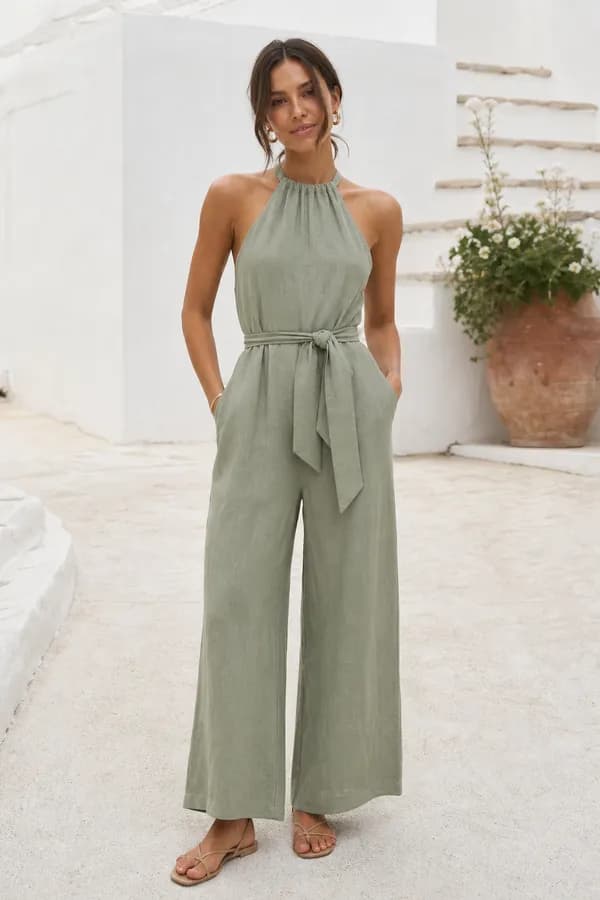
From this photoA linen halter-neck jumpsuit with a tie belt and wide legs
New design · Atelier10 pattern pieces
Paste the link of a public pin and Ourlette recognizes the garment, drafts its pattern to your measurements and shows it in 3D in the colors and print of the pin.
Drafting the exact piece from a picture or words is on Maker and Atelier; for free, Ourlette suggests the closest of 36 tested models. Your pictures stay private and are only used to make your pattern.
Open the pin in the Pinterest app or on the website and copy its link from the share menu. Make sure the pin is public, since pins on secret boards cannot be opened from outside Pinterest. If the pin shows several garments, note which one you want.
Paste the link where you would upload a photo. Ourlette loads the picture, recognizes the garment and sets up its pattern, from the catalogue or, on the Maker and Atelier plans, drafted by the AI pattern maker. If the link does not load, take a screenshot of the pin and upload that instead.
Check the garment and options Ourlette chose and change any of them by hand, for free. Add your measurements or pick a standard size, then look at the result in 3D, in the colors and print of the pin. Every change redraws the pattern instantly.
Print the pattern at true scale on home paper, at a copy shop or for a projector, and check the test square. Then follow the sewing guide written for your pattern, step by step. Printing needs a Maker or Atelier plan.
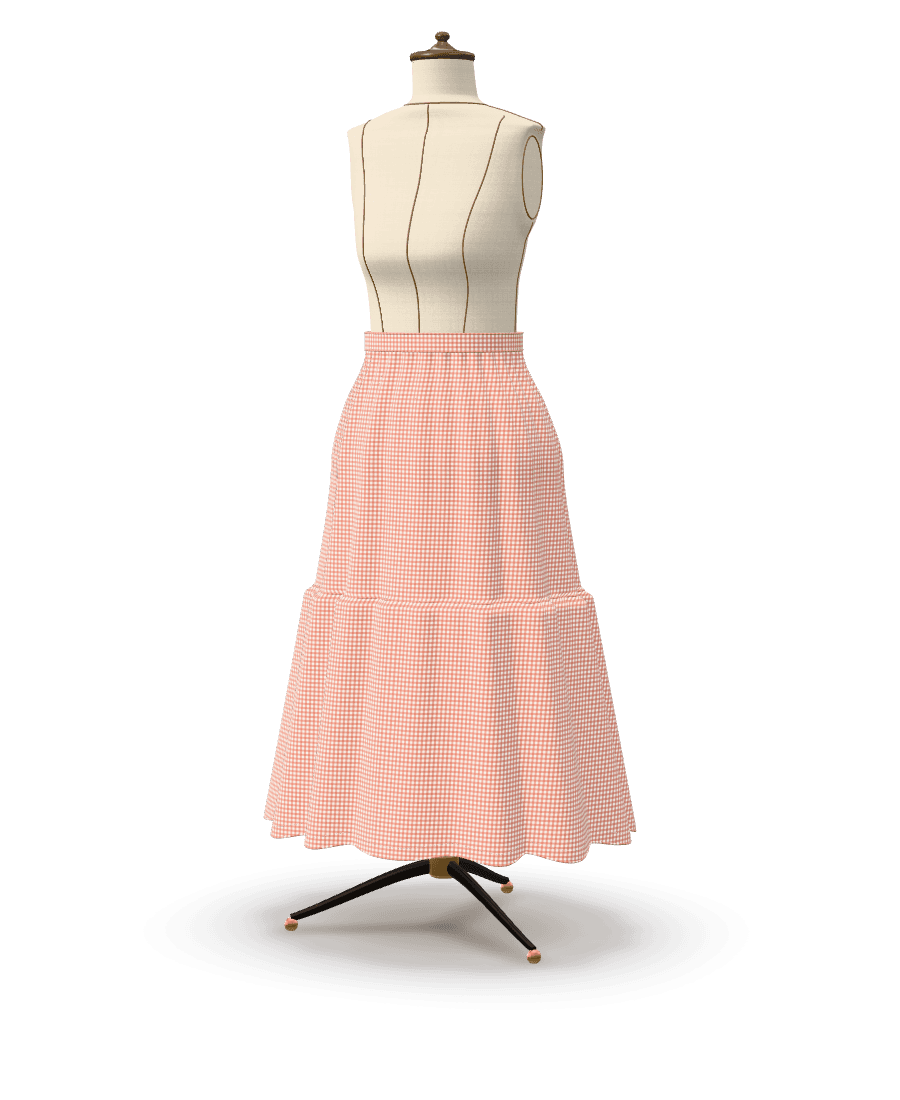
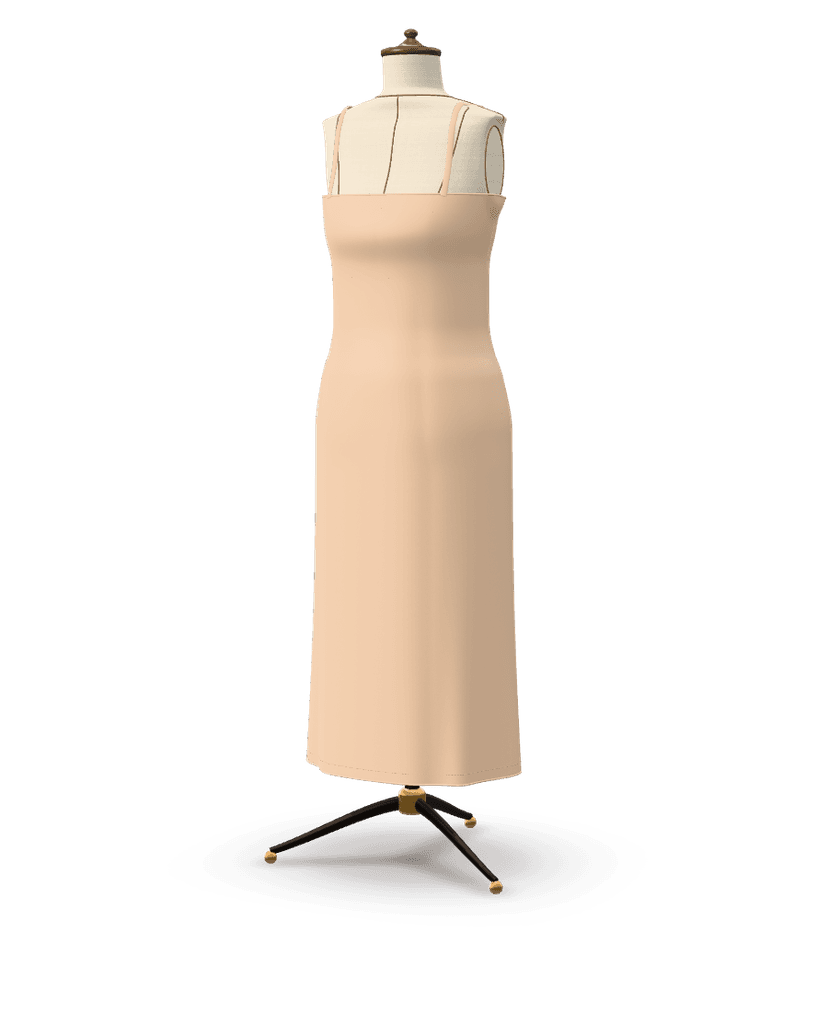
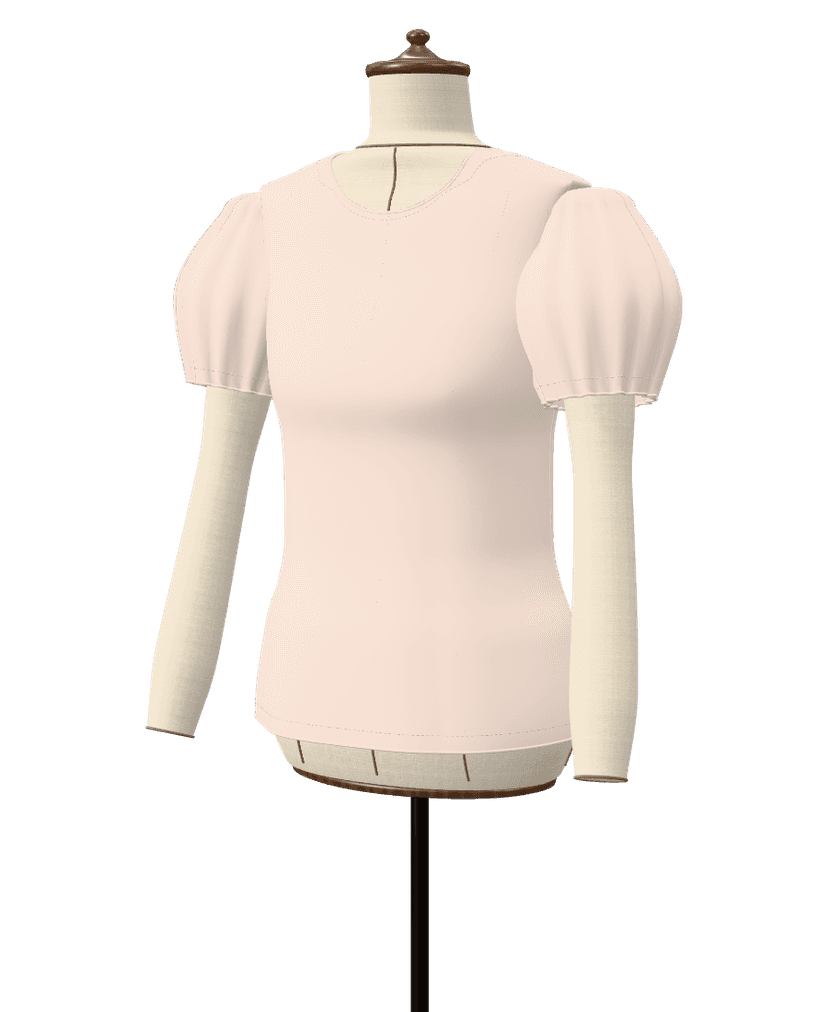
Results from Ourlette's own pipeline, not retouched: what was asked, the piece on the dress form and the pattern pieces drafted for it.
From this photoA linen halter-neck jumpsuit with a tie belt and wide legs
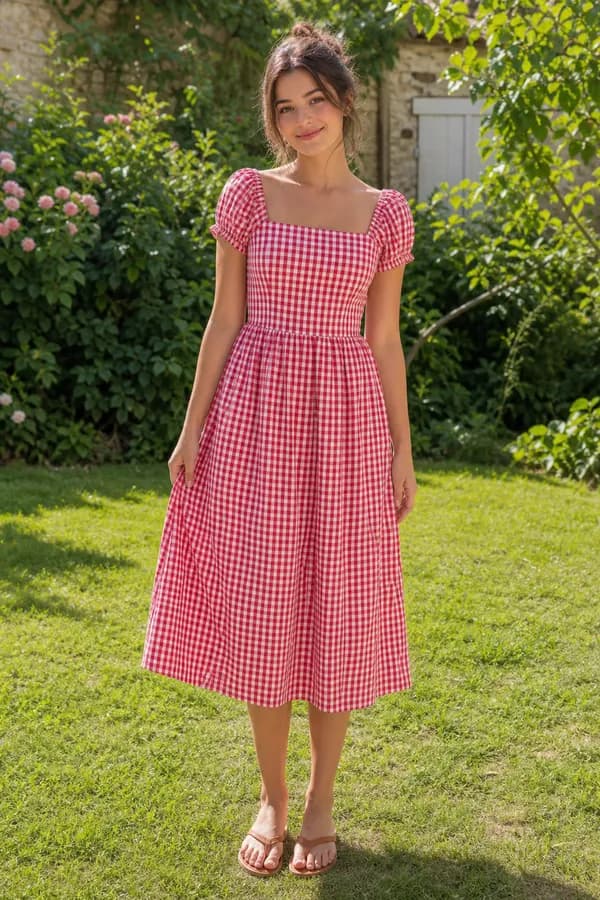
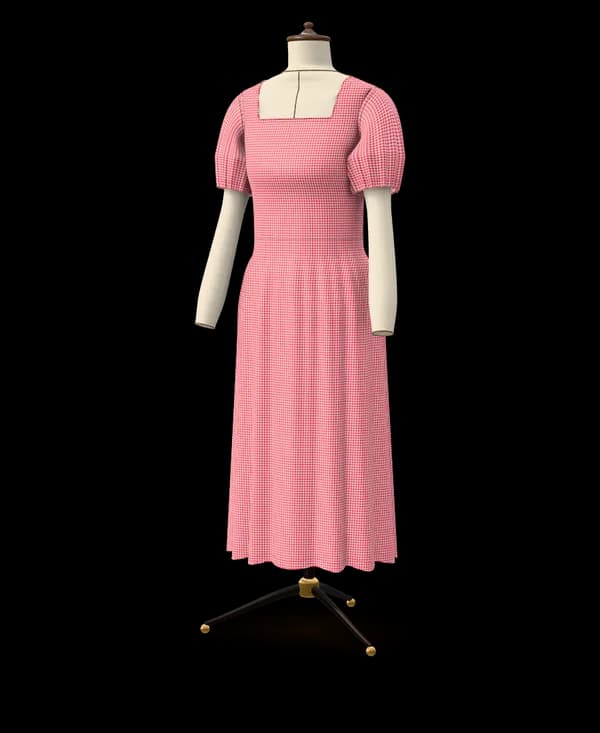
From this photoA gingham midi dress with a square neckline and puff sleeves
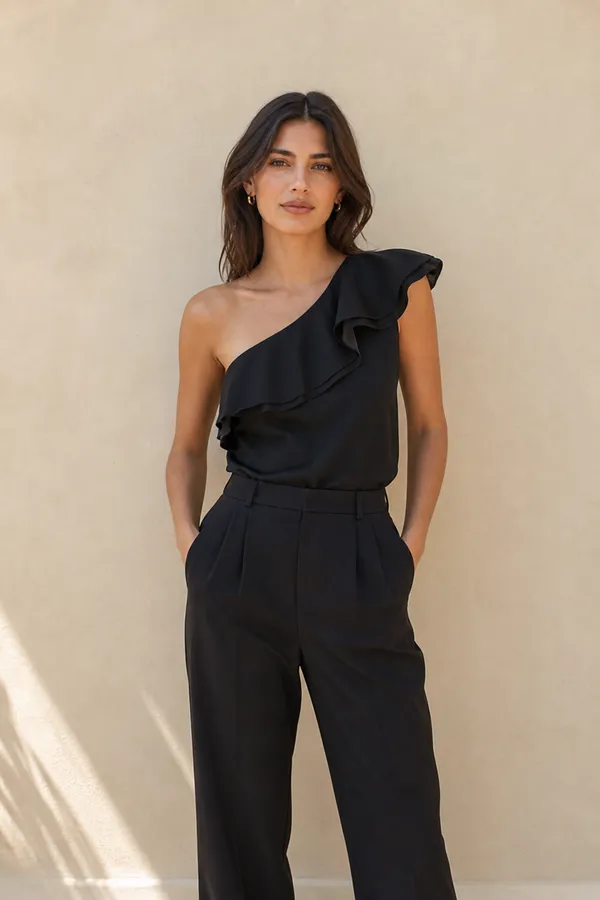
From this photoA one-shoulder silk top with a ruffle along the neckline
Drafted for a standard size (EU 38, or the nearest children's size). Yours is drafted to your own measurements. The photos are example pictures made for this page; the patterns are what Ourlette drafted from them, unedited.
Copy the link of a public pin and paste it into Ourlette. The AI looks at the pin's picture, recognizes the garment and its details (length, neckline, sleeves, fullness, closure, pockets) and the fabric's colors and print, then sets up the matching garment from Ourlette's catalogue with its options. When nothing in the catalogue fits, the Maker plan (3 a month) and the Atelier plan draft the exact piece you pinned with Ourlette's AI pattern maker; on the Free plan, Ourlette suggests the closest tested models and Community patterns to start from for free.
The drafting engine draws every piece to your measurements or a standard size, and you can change any option by hand before printing. Our guide to turning a Pinterest pin into a pattern shows the whole process with examples.
A pin is usually one clear image, which suits Ourlette well. From it, the AI reads:
If the pin shows a whole outfit, tell Ourlette which piece you want to sew. Each garment becomes its own pattern.
Ourlette can open public pins. A pin saved to a secret board, a video pin or a pin whose image cannot be loaded may not come through.
In that case, take a screenshot of the pin, crop it to the garment and upload it: it works the same way and gives the same pattern. Collages and mood boards with many outfits also work better as a cropped screenshot of the one garment you want, so the AI is not distracted by the others.
Many sewists keep boards full of clothes they would love to make. Ourlette turns them into a plan: one pattern per pin, all drafted to the same measurements, so a skirt, a top and a dress pinned months apart fit you equally well.
On the free plan, a pin suggests the closest tested models and Community patterns to start from; Maker includes 30 AI patterns a month, the first 3 of the month drafted as the exact pieces; Atelier has 12 AI credits a month (each one a new design or a big change). Our post from a Pinterest board to a handmade wardrobe shows how to pick pins that sew well together.
The person in the pin is not your size, and the pattern is not drafted to them. Ourlette drafts it to your own measurements (height, bust, waist and hip are enough to start) or to a standard size: women EU 32–54 (US 0–22, UK 4–26), men XS–3XL or children 2–14 years.
The 3D preview shows the garment on a mannequin built from your numbers, so you see the proportions on your body before you cut. More on custom-fit patterns.
It works with public pins that show a garment clearly. For pins on secret boards, video pins or pins whose image will not load, a screenshot of the pin works the same way.
No. You paste the link of a public pin, or upload a screenshot. Ourlette does not ask for access to your Pinterest account or boards.
Tell Ourlette which piece you want, for example the skirt. Each garment is its own pattern, so you can make the top from the same pin afterwards; each new pattern counts as one AI pattern.
It follows what the AI sees in the pin: a catalogue garment with matching options, or, on the Maker and Atelier plans, a new design drafted by the AI pattern maker. Very specific details may differ; you can adjust the length, neckline, sleeves and fit by hand to get closer.
Not the exact piece: on the free plan, a pin suggests the closest tested models and Community patterns to start from, with 2 small AI changes per pattern, 6 AI messages a month, unlimited changes by hand, the 3D preview and the sewing guide on screen. Printing needs Maker ($7.99 a month or $59 a year), apart from 6 easy models that print for free; Maker also drafts the exact piece you pinned, 3 times a month. The Atelier plan ($19.99 a month or $149 a year) has 12 AI credits a month (each one a new design or a big change).
Bring the picture. Ourlette brings the pattern.
Drafting the exact piece from a picture or words is on Maker and Atelier; for free, Ourlette suggests the closest of 36 tested models. Your pictures stay private and are only used to make your pattern.

