

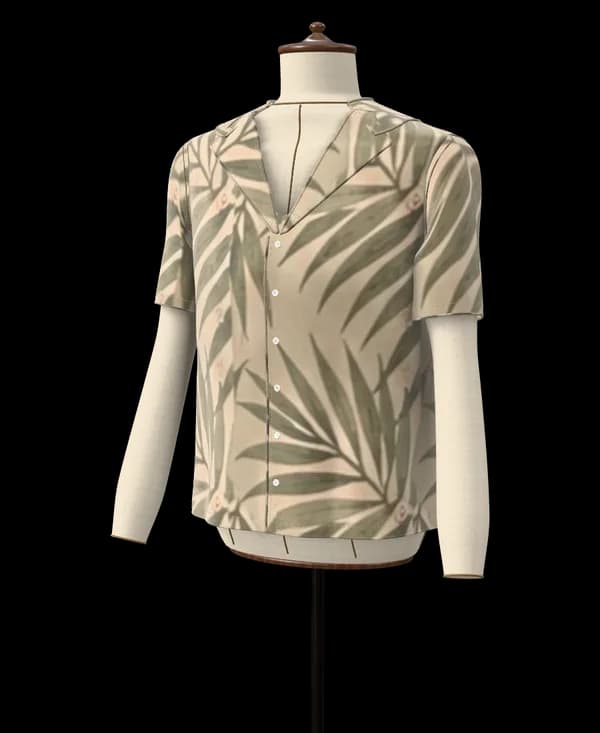
From this photoA short-sleeved camp-collar shirt in a palm-leaf print
Tested model · every plan6 pattern pieces
Paste the link of a public Instagram post, or a screenshot when Instagram hides the picture, and Ourlette drafts the garment's pattern to your measurements, with a 3D preview and a sewing guide.
Drafting the exact piece from a picture or words is on Maker and Atelier; for free, Ourlette suggests the closest of 36 tested models. Your pictures stay private and are only used to make your pattern.
In Instagram, open the post and copy its link from the share menu. If the account is private, the post is a Reel or a Story, or you are not sure the link will load, take a screenshot instead and crop it to the garment.
Paste the link or upload the screenshot. Ourlette recognizes the garment and sets up its pattern, from the catalogue or, on the Maker and Atelier plans, drafted by the AI pattern maker. If the post shows a full outfit, say which piece you want to sew first. Ourlette shows which garment it recognized, so you can check it before going further.
Review the length, neckline, sleeves and fit Ourlette chose, and change them by hand if needed. Enter your measurements or pick a standard size, then look at the garment in 3D in the colors of the post. Changes by hand are free and unlimited.
Print the pattern at true scale on A4 or US Letter, at a copy shop or for a projector, and follow the sewing guide written for your pattern. You can ask the guide questions as you sew. Printing needs a Maker or Atelier plan.
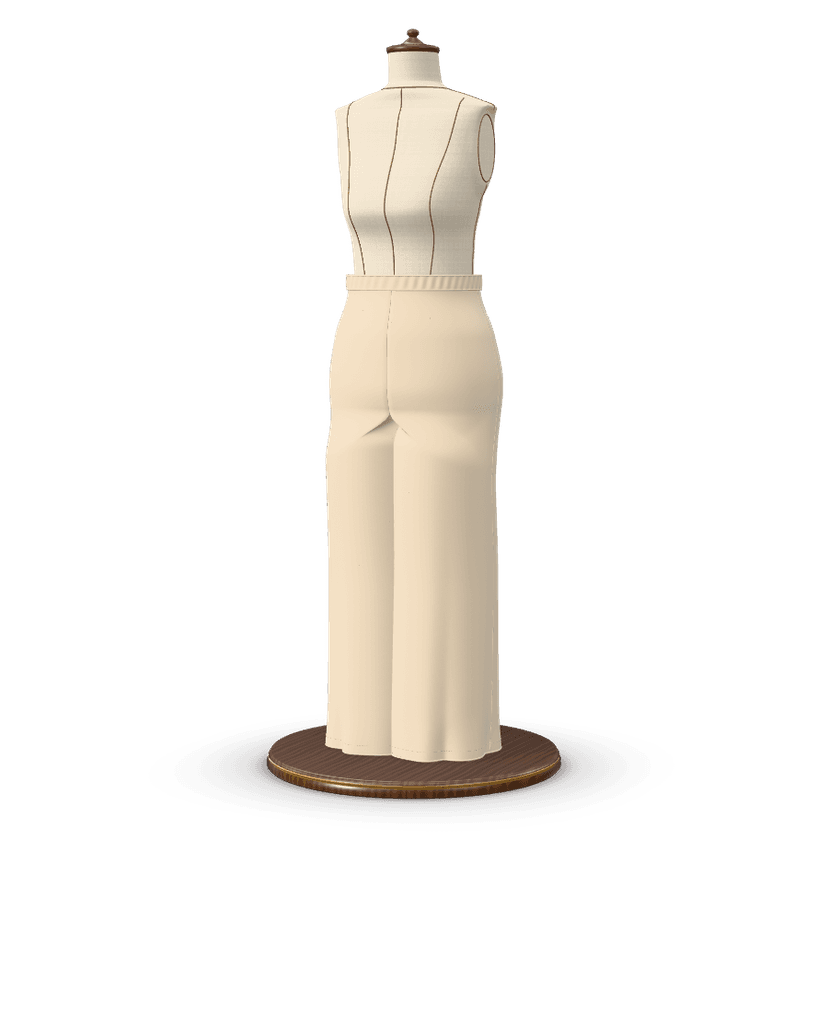
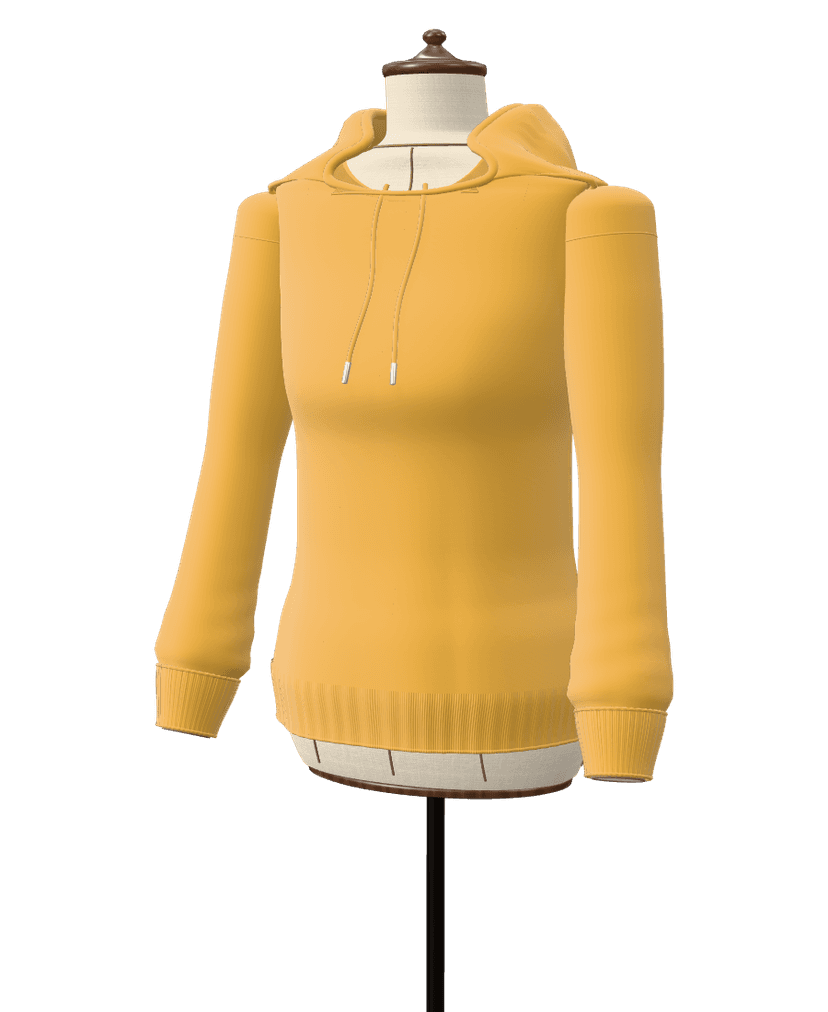
Results from Ourlette's own pipeline, not retouched: what was asked, the piece on the dress form and the pattern pieces drafted for it.
From this photoA short-sleeved camp-collar shirt in a palm-leaf print
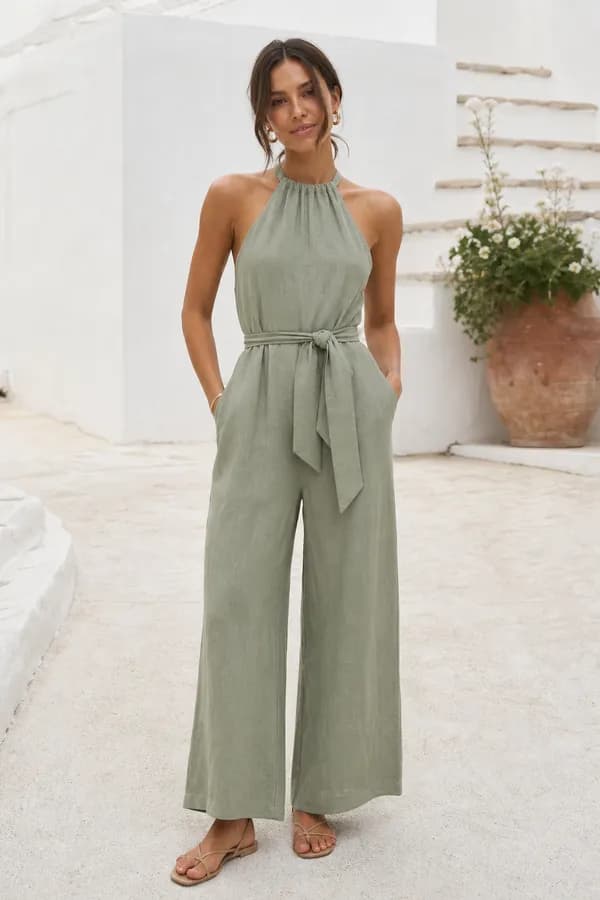
From this photoA linen halter-neck jumpsuit with a tie belt and wide legs
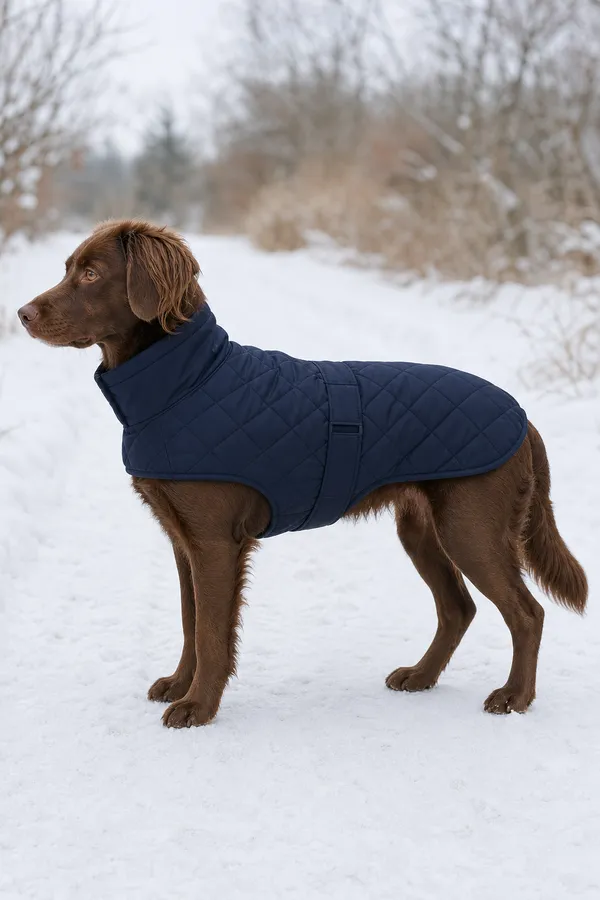
From this photoA quilted dog coat with a high collar and a belly strap
Drafted for a standard size (EU 38, or the nearest children's size). Yours is drafted to your own measurements. The photos are example pictures made for this page; the patterns are what Ourlette drafted from them, unedited.
Yes. Paste the link of a public Instagram post into Ourlette, and the AI recognizes the garment in the picture: its type, silhouette, length, neckline, sleeves, fullness, closure and pockets, along with the fabric's colors and print.
Ourlette then uses the matching garment from its catalogue, or, on the Maker and Atelier plans, has its AI pattern maker draft the exact piece when nothing in the catalogue fits (on the Free plan, Ourlette suggests the closest tested models and Community patterns to start from), and draws every piece to your measurements or a standard size. You see the result in 3D, change any option by hand, and print the pattern with a step-by-step sewing guide.
Instagram sometimes hides pictures from other sites, so a link that opens fine on your phone may not load in Ourlette. Posts from private accounts never do.
The fix takes a few seconds: take a screenshot of the post, crop it to the garment and upload it. A screenshot gives the AI exactly what you see, and the pattern comes out the same as from a link. Our screenshot tips explain how to get a clear one.
Reels and Stories move, so capture them as a still. Pause on a frame where the garment is fully visible, facing the camera and not blurred, then take a screenshot.
For a carousel, swipe to the slide that shows the garment best and screenshot that one. Close-ups of a neckline or a sleeve help less than one full view of the garment. If the outfit has several pieces, make one pattern per garment, starting with the one you want to wear first.
The AI reads the shape and details of the garment and its colors and print. It does not measure the person wearing it, and it does not need to: the pattern is drafted to your body.
Unusual details, such as a draped asymmetric neckline, are matched to the closest option, or drafted as a new design on the Maker and Atelier plans. Everything the AI chose is shown as options you can change by hand for free, and you can also ask for changes in words.
The outfit in the post was made or styled for someone else. Your pattern starts from your own measurements (height, bust, waist and hip are enough to start) or a standard size: women EU 32–54 (US 0–22, UK 4–26), men XS–3XL or children 2–14 years.
The 3D preview shows the garment on a mannequin built from your numbers. Our post saw an outfit on Instagram? Sew it follows one look from the post to the finished garment.
Instagram sometimes hides pictures from other sites, and posts from private accounts cannot be opened at all. Take a screenshot of the post, crop it to the garment and upload it: the result is the same.
Yes, from a screenshot. Pause the Reel on a frame where the garment is fully visible and sharp, take a screenshot and upload it.
No. Ourlette never asks for your Instagram account. Paste the link of a public post, or upload a screenshot.
The pattern follows the garment: a catalogue garment with matching options, or, on the Maker and Atelier plans, a new design drafted by Ourlette's AI pattern maker. Fabric matters as much as the pattern: choose one with a similar weight and drape to the original for the closest result.
On the free plan, a post suggests the closest tested models and Community patterns to start from, with 2 small AI changes per pattern, 6 AI messages a month, unlimited changes by hand, the 3D preview and the sewing guide on screen. Printing needs Maker ($7.99 a month or $59 a year), apart from 6 easy models that print for free; Maker also drafts the exact piece from the post, 3 times a month. The Atelier plan ($19.99 a month or $149 a year) has 12 AI credits a month (each one a new design or a big change).
Bring the picture. Ourlette brings the pattern.
Drafting the exact piece from a picture or words is on Maker and Atelier; for free, Ourlette suggests the closest of 36 tested models. Your pictures stay private and are only used to make your pattern.

